
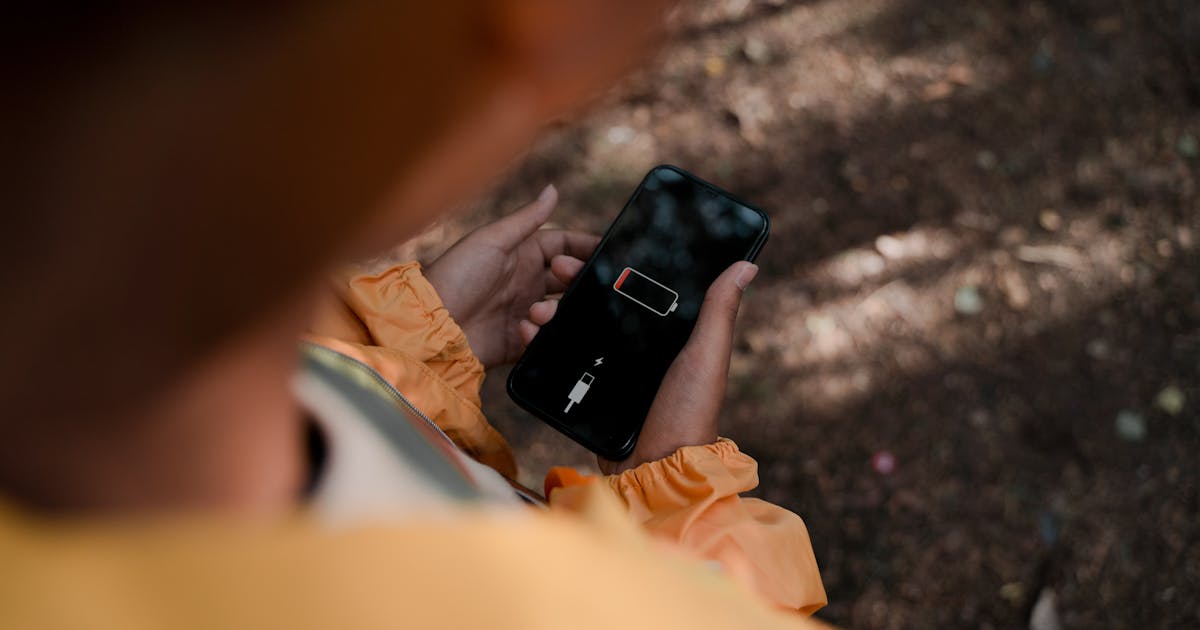
This is the most frustrating situation of all: you try to locate the phone and discover it is turned off. No signal, no response, no location. What now?
Before exploring options, let me be straightforward with the truth nobody likes to hear — and that spy app ads always hide.
The truth nobody likes to hear
When a phone is completely off — whether the battery died or someone turned it off intentionally — no tool in the world can get the current location. This applies to Find My Device, Apple's Find My, Findcel, and any other existing technology.
A phone that is off emits no signal, does not connect to the internet, and does not respond to any external request. It is like trying to call someone out of range — the signal simply does not reach.
Any website, app, or service promising to "locate a turned-off phone" is blatantly lying. Beware of these scams — they usually charge for "the location" and never deliver.
Why it is physically impossible
For any location technology to work, the device needs at least one of these communication methods:
- Cellular signal: active SIM connected to a tower
- Wi-Fi: connection to a wireless network
- Bluetooth: proximity to other devices
- Active GPS: satellite reception, requiring the device to be on
When the phone is off, all of these communications are inactive. The device hardware has no power. There is no way to receive, process, or transmit any information.
The only partial exception is Apple's Find My Network, which allows location via Bluetooth of nearby iPhones — but even this functionality depends on the lost iPhone having minimum battery and the feature enabled before shutdown.
What is possible to do
1. See the last known location
Tools like Find My Device and Apple's Find My store the last position before shutdown. This information can help understand the general area where the device was turned off — useful if it happened recently. But beware: if the device has been off for hours, that location is probably outdated.
2. Monitor for when the phone turns back on
As soon as the device turns on and connects to the network, location tools work again. If you configured Find My Device or have access to the number, act immediately when the device comes back online.
Set up notifications: Find My Device allows receiving an alert when the device comes back online. This increases your chance of capturing the location at the right moment.
3. Act before the battery dies
This is the key: if you realize the phone was lost or stolen and it is still on, act now. Every minute matters. A location obtained at 20% battery is worth far more than any action after it shuts down.
Do not keep calling repeatedly — this drains the lost device's battery. Use a location tool immediately.
Is the phone still on? Locate it now
Do not wait for the battery to die. While the number is active, Findcel can locate it.
Locate nowCommon scenarios and what to do in each
Scenario 1: Phone fell off the table, battery died, and you only noticed in the morning
The device is somewhere in the house or office. The last known location will indicate the area. Call the number from another line and listen for it ringing, or do a methodical search.
Scenario 2: Phone stolen and turned off in seconds
The professional thief turns off the device immediately. The last location is where the theft happened. Focus on blocking the IMEI and protecting your data, as recovery is unlikely.
Scenario 3: Battery died on a trip or event
If you know roughly where you were when the battery died, retrace your steps. Ask at nearby establishments. Many lost phones are turned in to lost and found.
Scenario 4: Child with phone turned off and you are worried
Try other forms of contact: friends, school, family. If really concerning, go to the last place they were. The last location on Family Link (if configured) helps.
Scenario 5: Device lost for several days
Probably out of battery. Your last hope is someone who found the device charging it and you capturing the location at that moment via Findcel or Find My Device.
How to prepare so you are not in this situation
Small preparations make a big difference later:
- Note your phone's IMEI and store it somewhere safe (dial *#06#)
- Enable Find My Device or Find My before you need it
- Keep the phone's location always enabled
- Set up "last location" notifications before the battery dies (Android feature)
- Use backup batteries when traveling — small power banks solve a lot
- Consider using a physical tracker (like AirTag or Tile) in your wallet or bag
- Have phone numbers of people who can help search (friends, family)
- Enable biometric lock and strong passwords to protect data in case of loss
What if it was stolen and turned off?
If it was stolen and is already off, focus on what is still possible:
- Block the SIM with your carrier
- File a police report online immediately
- Request IMEI blocking
- Change passwords of all accounts that were logged in (banking, email, social media)
- Enable two-factor authentication on WhatsApp and main apps
- Set up "if it goes online" alert in Find My Device
When — and if — the device is turned on again, location tools may work. But do not count on it. Focus on protecting your data.
Common myths about turned-off phones
"IMEI allows locating even when off"
False. IMEI allows identifying and blocking the device, not locating it. And even that identification only happens when the device connects to a network.
"The carrier knows where it is even when off"
False. Carriers only have data when the device is active on the network. A turned-off device emits no signal.
"There is an app that turns on the GPS remotely even when off"
False. This technology does not exist on commercial phones. Anyone promising this is lying.
"Hackers can turn the phone on remotely"
False. Without power, there is nothing for the hacker to access.
Frequently asked questions
How long does the device appear as "online" after running out of battery?
Usually a few seconds before total shutdown. Some functions like Apple's Find My Network can maintain limited location for hours even after shutdown, but this is the exception.
Is it worth paying services that promise to locate a turned-off phone?
No. It is a scam. Only pay for services that promise to locate while the number is active (like Findcel) — those are real and functional.
Does Apple's Find My Network work with a turned-off phone?
It works on recent iPhones (iPhone 11 or higher) for a few hours after shutdown, using minimal battery reserve. But it is not universal and has limitations.
What to do if my phone's battery dies constantly?
It can be a battery problem (needs replacement) or apps consuming resources in the background. Check the battery menu to see which apps are consuming the most.
To summarize: there is no miracle for a turned-off phone. What exists is prior preparation (Find My Device setup, noting IMEI) and quick action when the device is still on. The window of opportunity is the moment between loss and shutdown — acting in that interval is everything.